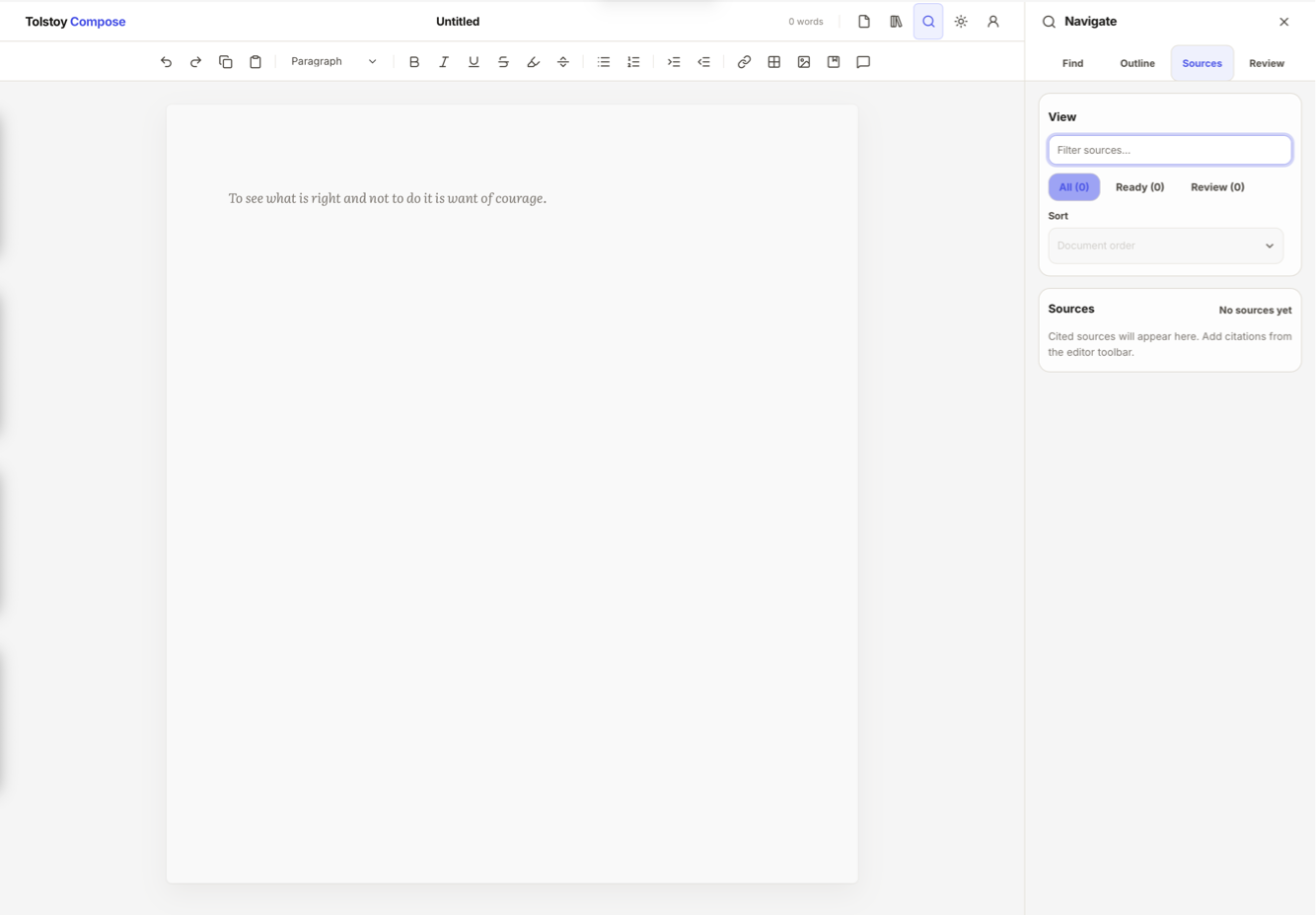
A single space to write and organise everything that goes with it.
Writing is not just about putting words on a page. You need to read research, save notes, cite sources, respond to comments, and keep track of old drafts. Most writing tools make you do this in different places. Compose puts everything in one simple writing space.
Start without an account. Open Compose and begin writing in a clean document. You do not need to sign in, organise a database, connect to cloud storage account, or decide where everything should live before you can start.
Keep useful material easy to find. Save the links, notes, source details, and reminders that belong to each document. When you come back later, the material is still attached to the work it supports.
Keep the final page clean. Your draft does not need to become a dumping ground for rough notes, private reminders, old wording, and research fragments. Keep that material beside the document while the page stays focused on what the reader will see.
Work through changes without losing control. As the document develops, save important versions and recover earlier work. You can move forward without worrying that one edit, one crash, or one bad file copy will cost you the work.
Prepare the document properly before it leaves your hands. Add citations, footnotes, endnotes, comments, and review notes where the work needs them. Compose helps you check and refine the document before it is sent, submitted, shared, or delivered.
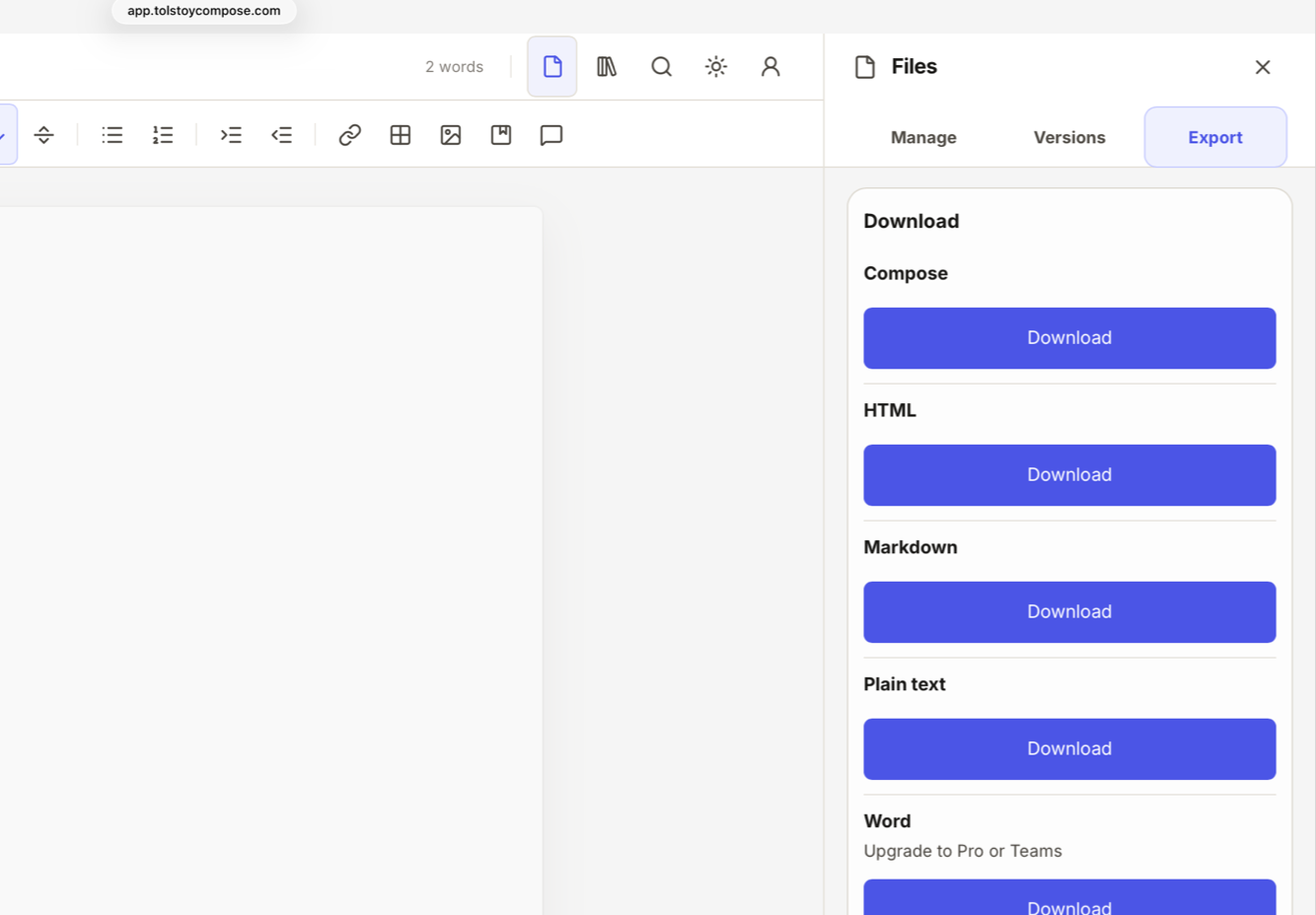
Export the right file at the end. When the document is ready, send it out as PDF, DOCX, Markdown, HTML, plain text, or a portable Compose file. You do not have to rebuild the final version in another app just to hand it over.
Help me choose.
Compose starts as a free writing workspace and scales when you need professional tools or multiple seats. You can choose the plan that suits you best directly within the app.
For writing, formatting, saving, and exporting your own documents.
Create and format complete documents locally.
Open, save, duplicate, rename, and recover files on your device.
Export to plain text, Markdown, HTML, and Compose files.
Start without a paid workspace or cloud setup.
Pro plan
For professional writing that needs research, review, citations, and delivery-ready exports.
Keep research, links, notes, citations, review, and versions with each document.
Export finished work to PDF and DOCX.
Save milestones inside portable Compose bundles.
Use up to 3 active devices.
Teams plan
For organisations that need multiple seats under one managed workspace.
Give every seat the full Pro workflow.
Manage members, seats, billing, and workspace access.
Use owner, admin, and member roles.
Create spaces for teams, clients, projects, or departments.
For universities, charities, non-profits or larger organisations, contact us about tailored pricing.
£70/year per seat. Annual subscription. Renews unless cancelled before renewal. First annual purchase refundable within 31 days. Review Terms and Privacy before checkout.
“I believe writing software should help people think clearer. It should make the work feel more manageable, not more scattered.”
Complete Tolstoy Compose feature list
Professional writing editor.
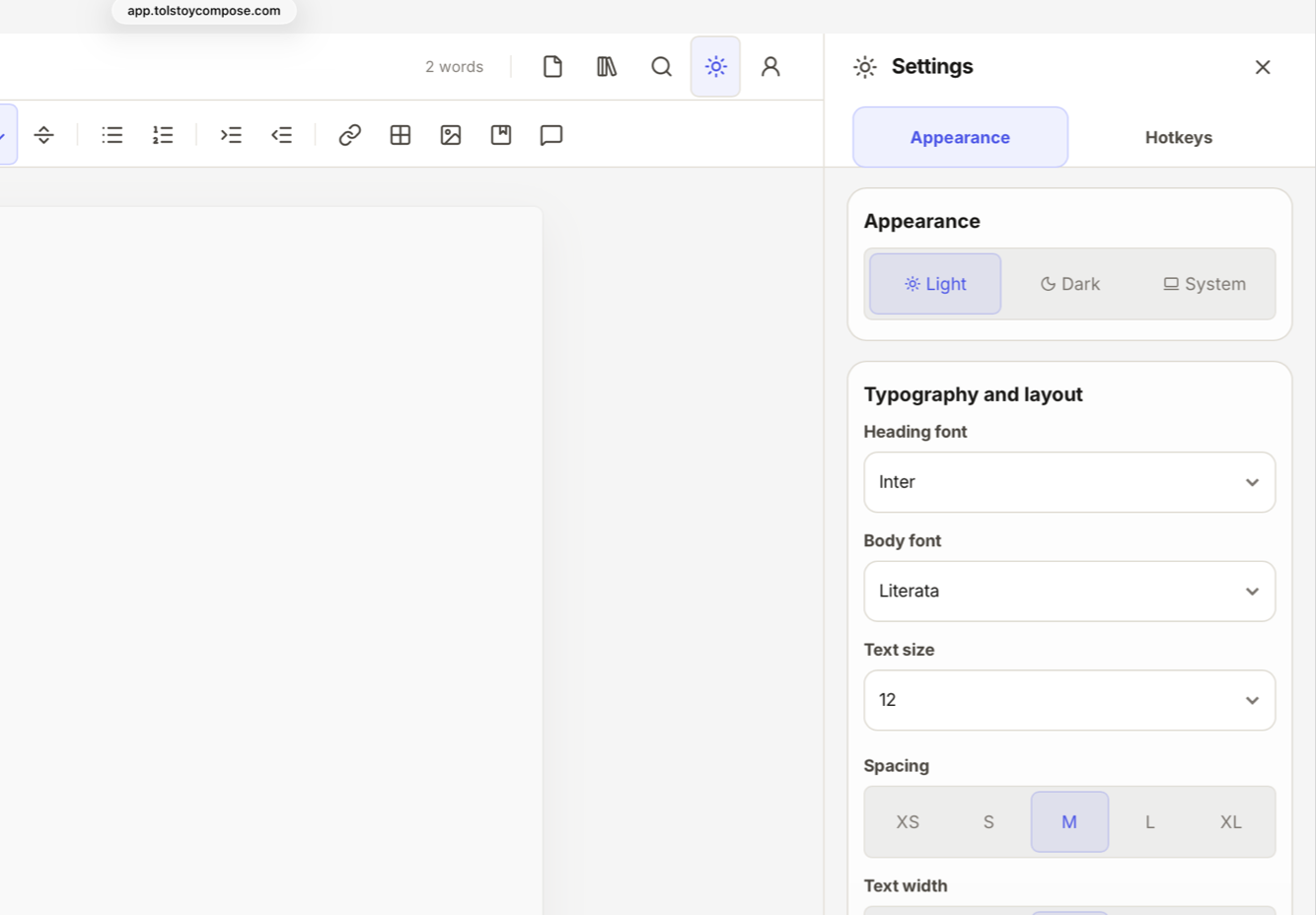
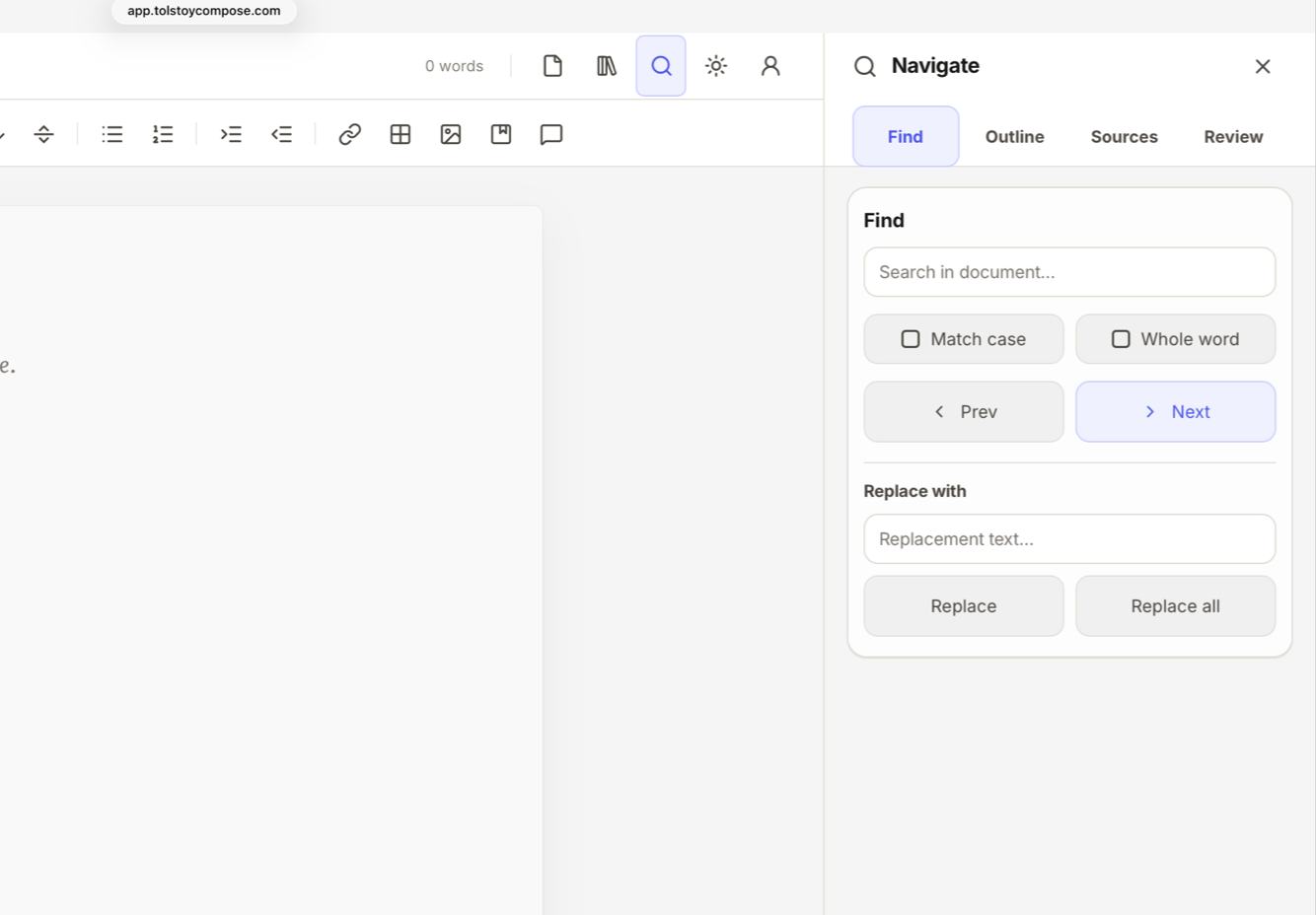
Local-first documents. Rich formatting. Headings. Captions. Notes. Code blocks. Lists. Block quotes. Links. Images. Tables. Find and replace. Document outline. Word count. Character count. Reading time. Keyboard shortcuts. Light mode. Dark mode. Typewriter scrolling. Adjustable typography, spacing, and text width.
Local file workflow.
New document. Open local file. Save to local file. Save as. Save copy. Duplicate. Rename. Close. Recover drafts. Restore crash recovery copies. Work without third-party storage connectors.
Import and export.
Open Compose documents and Compose bundles. Import Markdown, HTML, plain text, and DOCX. Export plain text, Markdown, HTML, Compose document, Compose bundle, DOCX, and PDF. Copy as rich content, plain text, Markdown, or web/email HTML. Paste as matched style, kept formatting, plain text, Markdown, or table data.
References.
Add citations. Reuse sources. Track citation occurrences. Use footnotes, endnotes, or both. Format references with APA 7, MLA 9, Chicago 17, Harvard, Vancouver, or IEEE. Manage books, journals, websites, chapters, theses, conferences, reports, and datasets. Copy references. Check citation readiness before export.
Research.
Save links and notes alongside each document without putting them in the writing area. Add reading-list style links with metadata. Keep multiple sticky-note style notes. Search links and notes separately. Import and export research as its own file. Save research inside Compose files and Compose bundles so it travels with the document across devices.
Review.
Add feedback to a selection, block, or whole document. Suggest replacement wording. Suggest deletions. Apply, reject, resolve, reopen, and reply. Assign review items. Set priority and due dates. Filter and sort review threads. Copy a review summary. Detect stale, detached, or conflicted suggestions.
Versions.
Save milestones. Keep recent recovery points. Preview previous versions. Open a version as a copy. Replace the current document from a version. Preserve history in portable Compose bundles.
International interface.
English, Arabic, German, Spanish, French, Hindi, Italian, Japanese, Portuguese, Russian, and Chinese. Right-to-left layout support. Language preference detection.